Before You Start
Correct DLC labels matter. KiMA reads body-part names directly from your CSV. If names don't match expected labels, parsing will fail.
Choose the matching module. Don't use Foot Fall data in Ladder analysis or CatWalk data in Treadmill analysis. Each module expects a different body-part layout.
Each tool has built-in example data so you can test the workflow before loading your own files.
Required Labels
| Module | Required Labels |
|---|
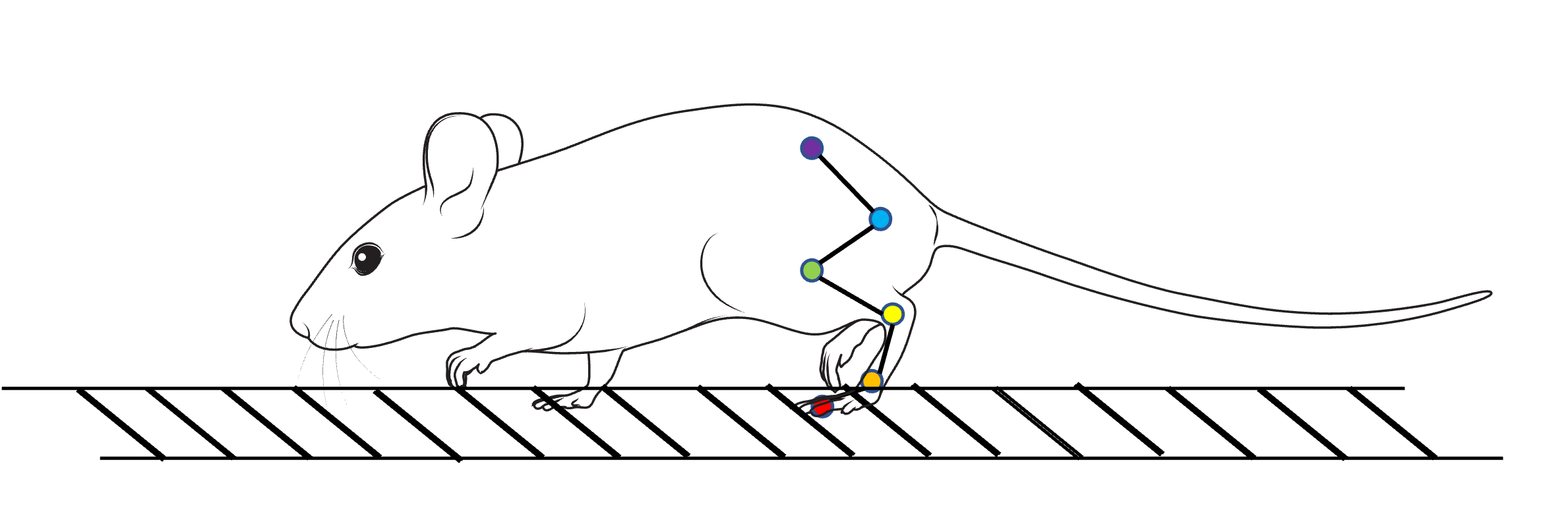
| Ladder / Treadmill | toe, mtp, ankle, knee, hip, iliac crest |
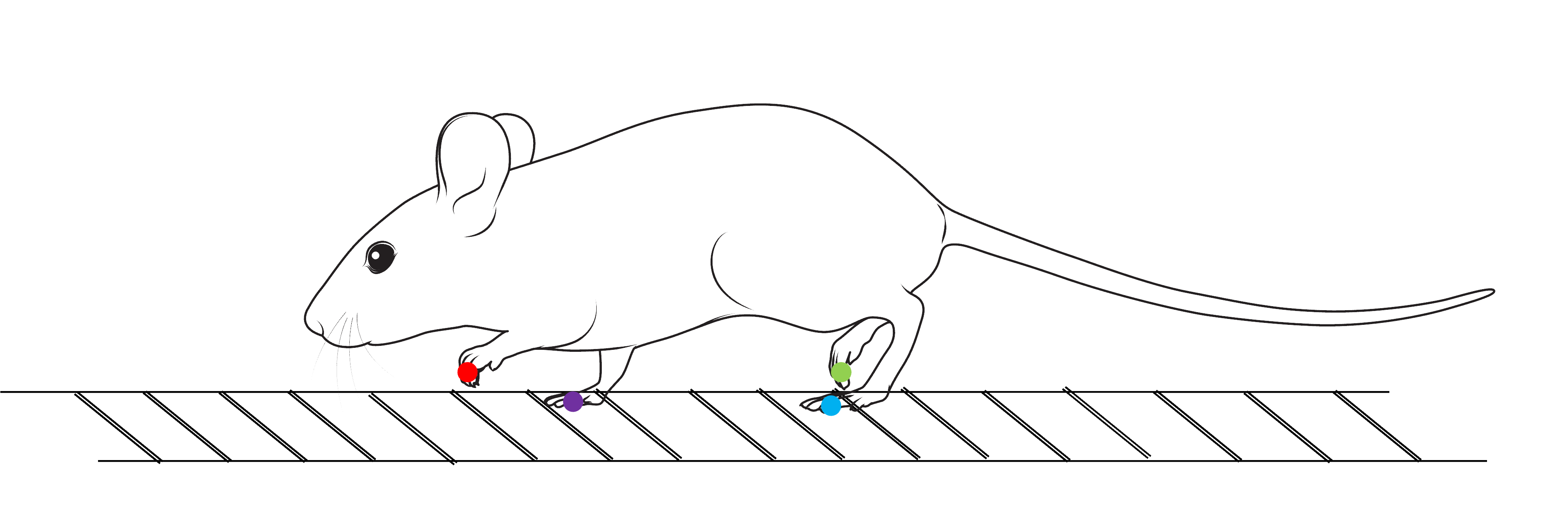
| Foot Fall / Cat Walk | RF, LF, RH, LH with x, y, likelihood |
| PCA | Aggregated metrics CSV from KiMA batch analysis |
Ladder & Rung
- Required labels
toe, mtp, ankle, knee, hip, iliac crest- What it shows
- Interactive stick plot, gait parameters, angle distributions, per-cycle gait metrics, and sequence playback.
- Best use
- Checking one animal or one trial in detail before going to batch analysis.
- How to use it
- Upload one CSV, inspect the plot first, then open Gait Parameters and Statistical Analysis, and finally export images or CSV outputs.
- Required labels
RF, LF, RH, LH with x, y, likelihood- What it shows
- Foot-fall counts, paw-only 2D plots, contact-peak signals, separate paw videos, and contact tables.
- Best use
- Simple visual interpretation of paw contact pattern and stance timing.
- How to use it
- Upload the paw CSV, tune likelihood and movement thresholds if needed, then review counts, contact peaks, and paw videos before exporting results.
Cat Walk
- Required labels
RF, LF, RH, LH with paw coordinates- What it calculates
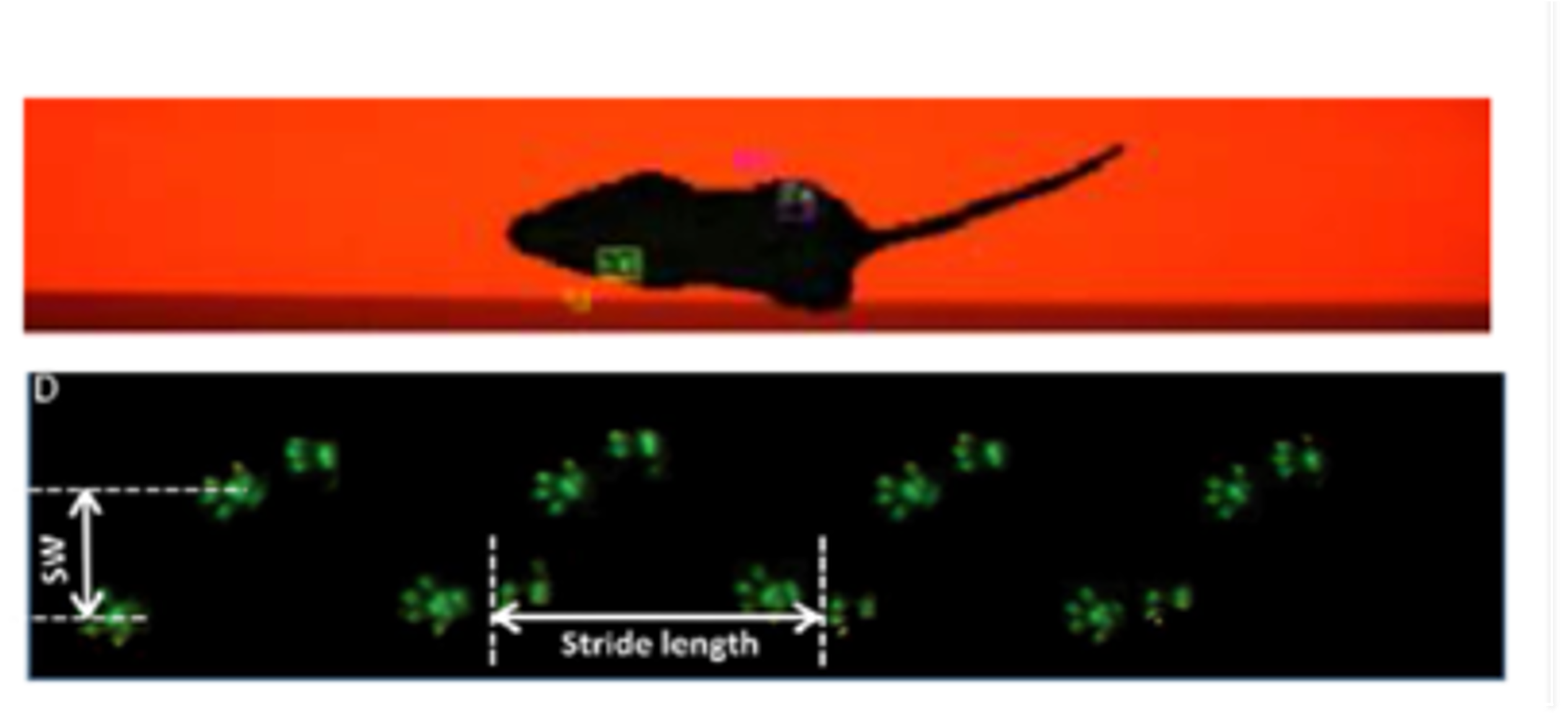
- Projected paw-contact map, stride length per paw, and fore/hind stride width.
- Best use
- Spatial stepping analysis along a walkway or CatWalk-like setup.
- How to use it
- Upload the CatWalk-style CSV, verify the projected map looks correct, then review the stride length and width plots and export the metrics table.
Treadmill
- Required labels
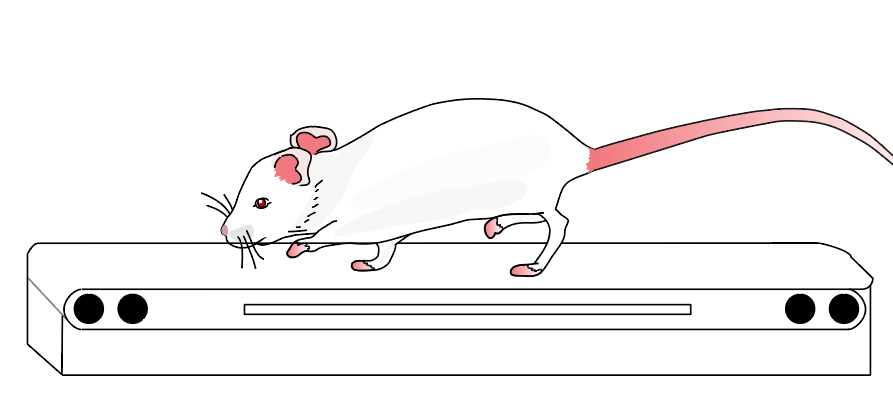
toe, mtp, ankle, knee, hip, iliac crest- What it shows
- Treadmill player, cycle summaries, joint-angle distributions, per-cycle trends, and early/mid/late comparisons.
- Best use
- Continuous locomotor monitoring rather than single-step inspection.
- How to use it
- Upload the treadmill CSV, review the stick player first, then inspect cycle trends and block comparisons before exporting the cycle table or images.